
Practice with a question, not just a retry
Roaring Knight: A Practical Opening Routine
Play the Roaring Knight remake · All guides
Gangstermango's remake makes a useful practice space, but it is easy to spend an entire attempt watching the Knight instead of learning how your heart moves. This guide gives each start a small objective: set up the correct controls, make a deliberate party-menu pass, then identify a gap before moving. You do not need a full clear to learn something repeatable. You do need to distinguish a missed dodge from a loading, focus or menu problem.
The build and the evidence
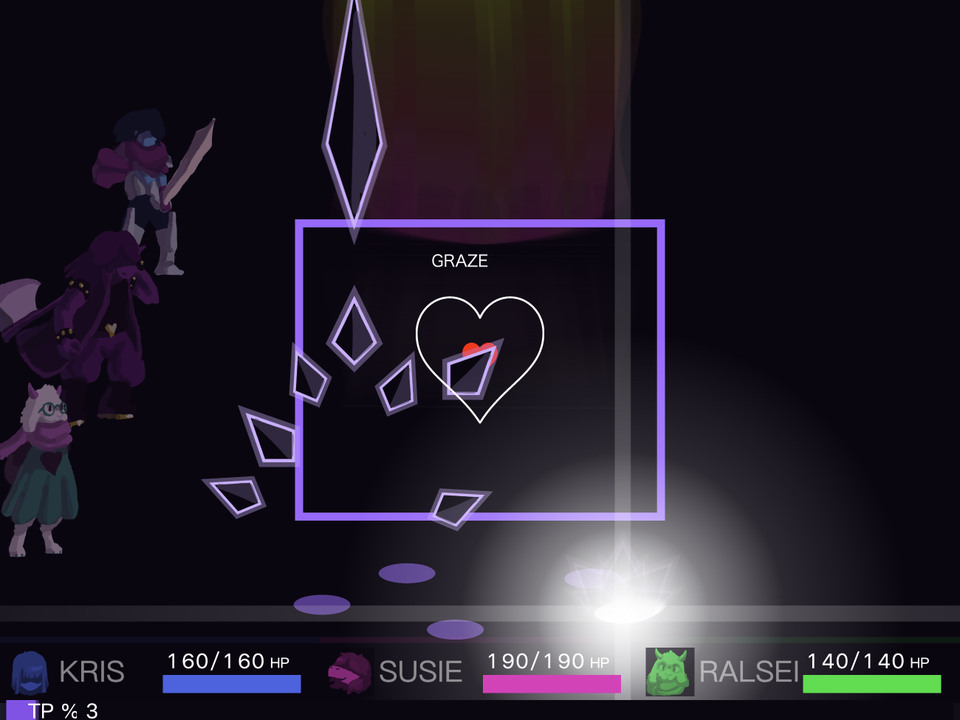
We inspected the hosted project archive and made three fresh keyboard practice starts in Chromium on 22 October 2026. The pictured opening attack includes purple diamond shapes and a small battle box; our first start lost substantial party health during that opening. We did not complete the battle, verify every later attack or establish a no-hit route. Source observations and author instructions are identified as such rather than presented as completed play tests.
This is the FULL Roaring Knight remake by Gangstermango. The other Black Knife simulator is a different project. Similar character art does not make its slow key, opening menu or difficulty choices interchangeable.
Step 1: choose controls before choosing a strategy
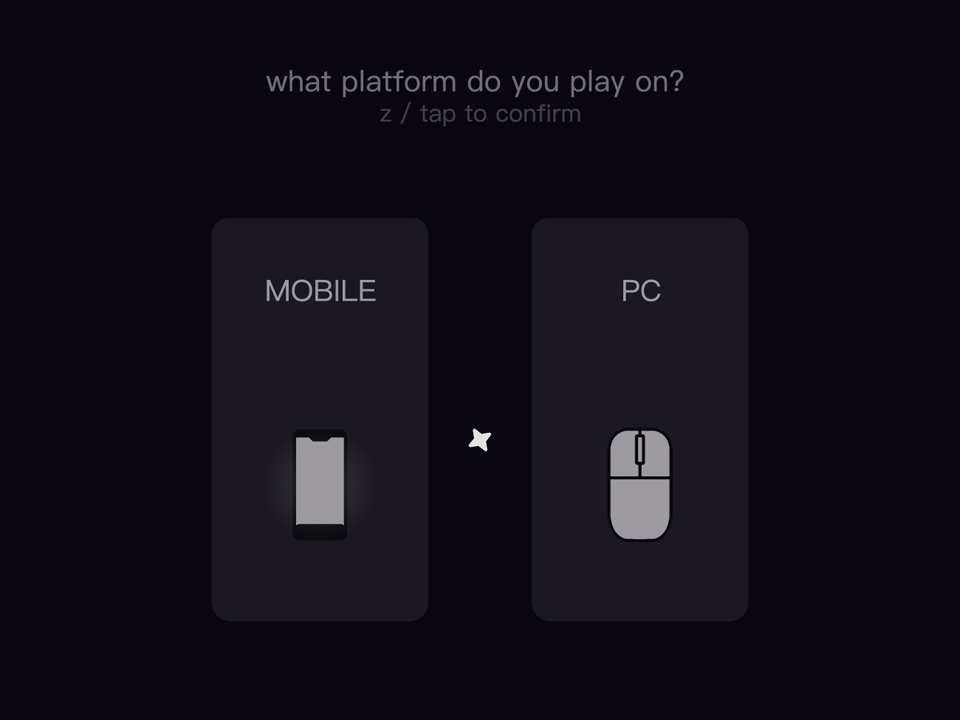
The first in-game question asks which platform you use. Select PC for a keyboard session or Mobile to inspect the game's own touch interface. In our keyboard session, a short pointer tap did not initially advance the device screen; a deliberate click on the PC card did. If it stays visible, confirm the selected card rather than assuming that the entire battle has frozen. Do not repeatedly reload a large archive just because a selection is waiting.
Arrow keys or WASD move; Z or Space confirms in the hosted source. Holding Z slows the SOUL. That is not the same mapping as every original-game guide or another remake. Test a short movement when the battle box is active. If an expected key does nothing, click inside the frame and test it again before changing your combat plan. An input sent to the surrounding page cannot teach you a dodge.
Step 2: keep the Mantle choice consistent
The next screen offers Kris, Susie, Ralsei or None for the Shadow Mantle and describes a fifty-percent damage reduction. That percentage is the game's displayed description, not our controlled damage experiment. For an initial learning session, pick one recipient and keep it fixed. Otherwise you may attribute a change in party survival to better movement when you actually changed the protection arrangement.
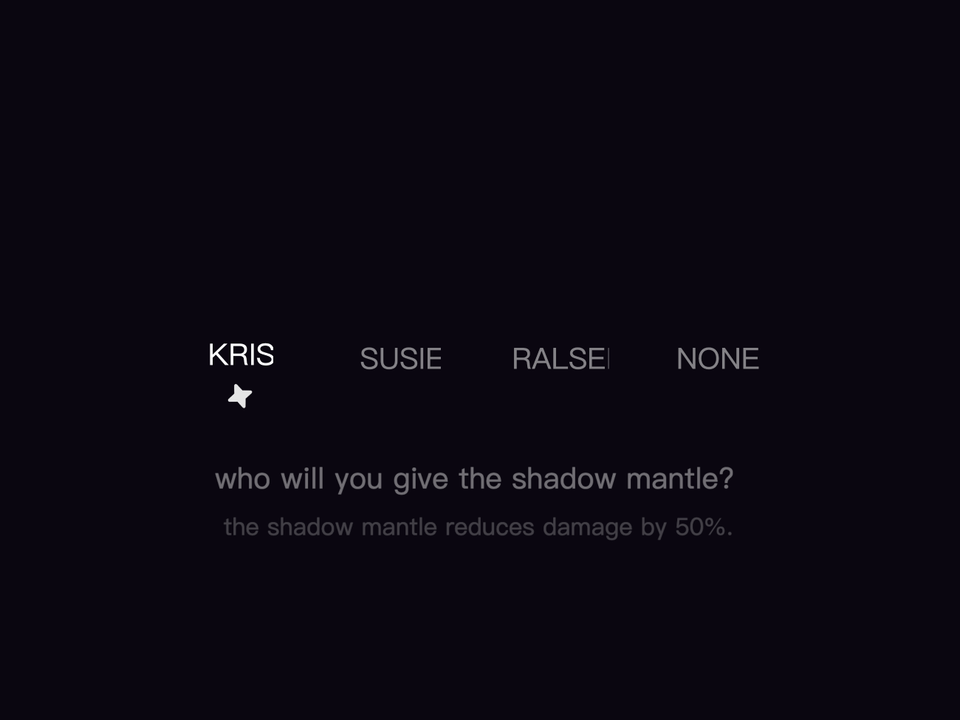
A recipient choice is not a substitute for learning. Giving protection to a character does not make every incoming shape safe, and None is not a prerequisite for a meaningful practice run. When you later compare two recipients, keep your other choices as similar as possible and record which character becomes unavailable first. We have not proved a universally best recipient.
Step 3: separate the party menu from the dodge
Allow the introduction to finish and read the party command screen. Confirm actions deliberately for each member rather than holding a key through every state. The transition from selecting commands to moving the heart is the moment many first attempts become confusing: a confirmation key that was useful a second ago can now affect movement behavior. Look for the box and heart before starting your dodge exercise.
Our first attempt used repeated confirmations to reach the opening. That established that the hosted build accepted keyboard input; it did not establish an efficient damage route. For your own practice, use a consistent command plan so the attack observation is the variable you are trying to improve. This guide does not import a turn-by-turn optimal command sequence from the official game.
Step 4: see the open space before chasing it
In the captured opening, purple diamonds appear at several heights and a larger shape can extend beyond the box. Watch the local space around the red heart and the next object entering that space. Move toward a gap with one short correction, then reassess. A full-width sweep can leave you in a corner with no useful response to the following object.
Try the slow key when a small correction matters, then release it when you need more travel. Do not hold it automatically through every situation. We inspected the Z input in the hosted source but did not measure a precise real-time speed ratio across browsers. A useful comparison is whether you overshot the same visible gap less often, not whether an unmeasured frame count matches a wiki.
Three starts with three different questions
- Read: notice where the first nearby threat comes from. Keep enough room on both sides of the heart. Write down the first cue you recognized late.
- Shorten: repeat the setup but reduce the size of your first correction. Check whether you still reach the wall before the following object arrives.
- Refine: try a short slow-key correction at the difficult gap. Compare the result with the previous attempt without changing every party choice.
These are original exercises, not claims that we achieved three clean runs. Record the date, recipient, reached pattern and reason for stopping. The author's instructions describe holding Select just after death to respawn; we have not verified that recovery path in a completed death-and-respawn test. The website's Restart is a separate full restart request, not a promise of a checkpoint.
Know when to switch from practice to troubleshooting
If the cover never disappears, the device prompt never accepts input or the keys stop after using a site button, consult loading and controls help. If you can move and are being hit, keep the troubleshooting separate from the combat lesson. Send a reproducible issue through Contact, identifying this build rather than just saying “the Knight.” Later story explanations and original-game attack context remain on the main fight page, clearly separate from this opening practice routine.